In stock · ships in 1–3 business days

Hidden Camera & GPS Tracker Detector

$64.99
Find hidden camera lenses and transmitting devices in minutes, wherever you stay.
Version
  • Free US shipping over $70
  • 30-day returns
  • Secure checkout
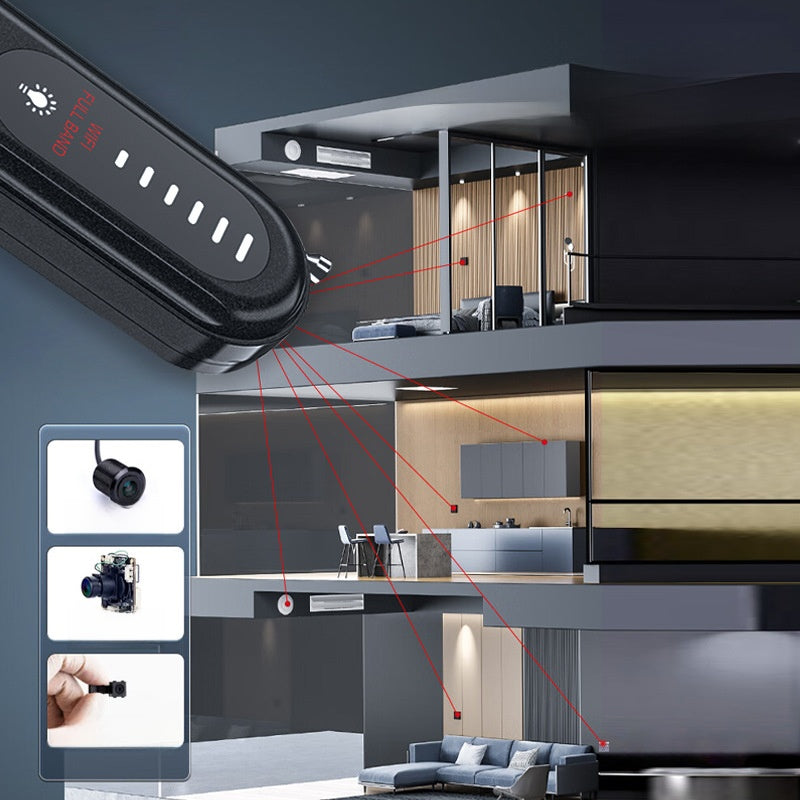
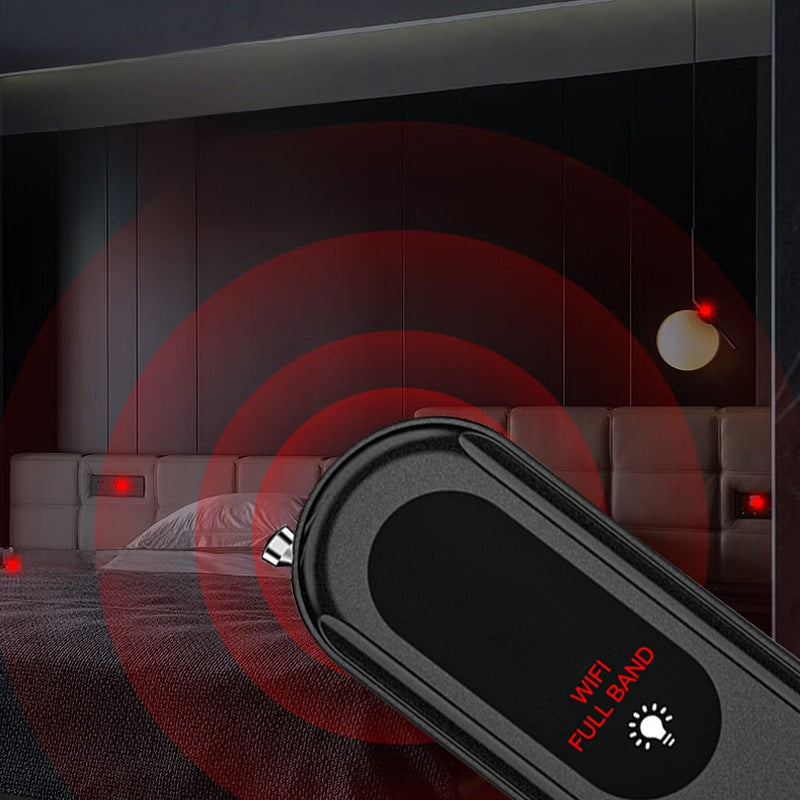
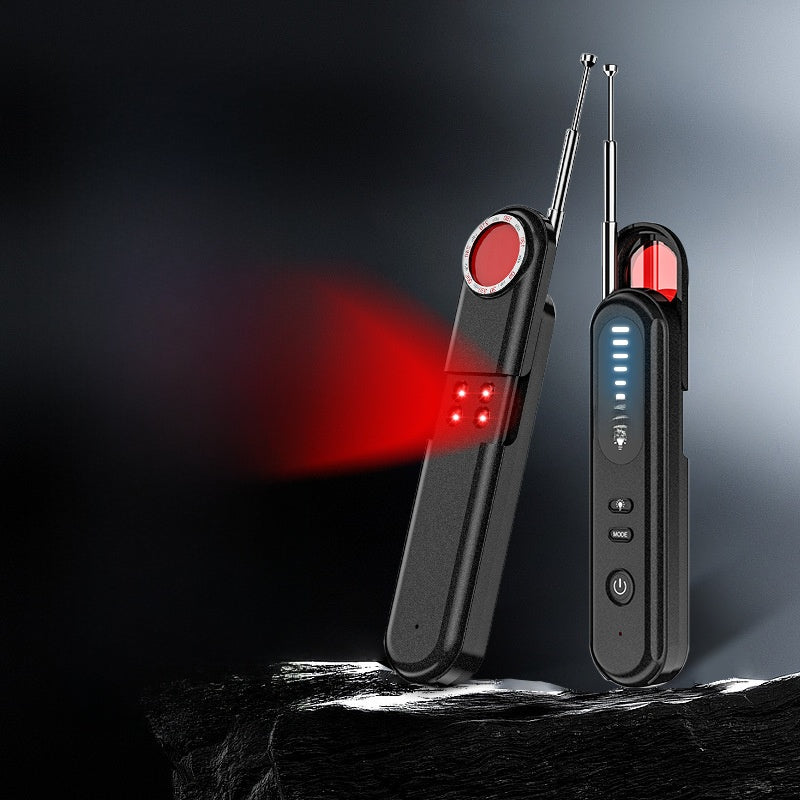
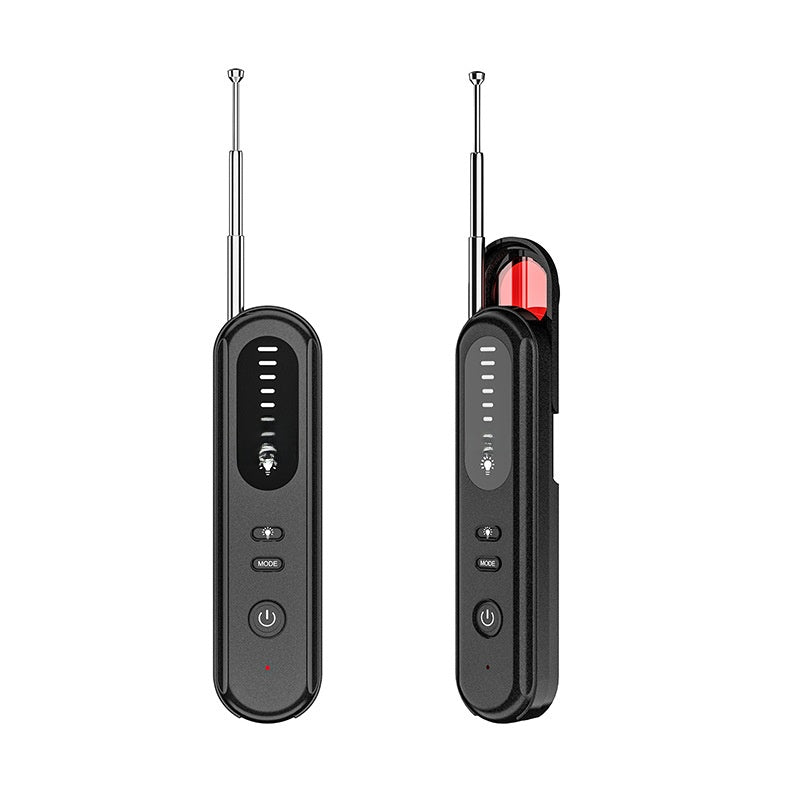
Lens finderInfrared light makes camera lenses show up as a sharp red point, even when they don't transmit.
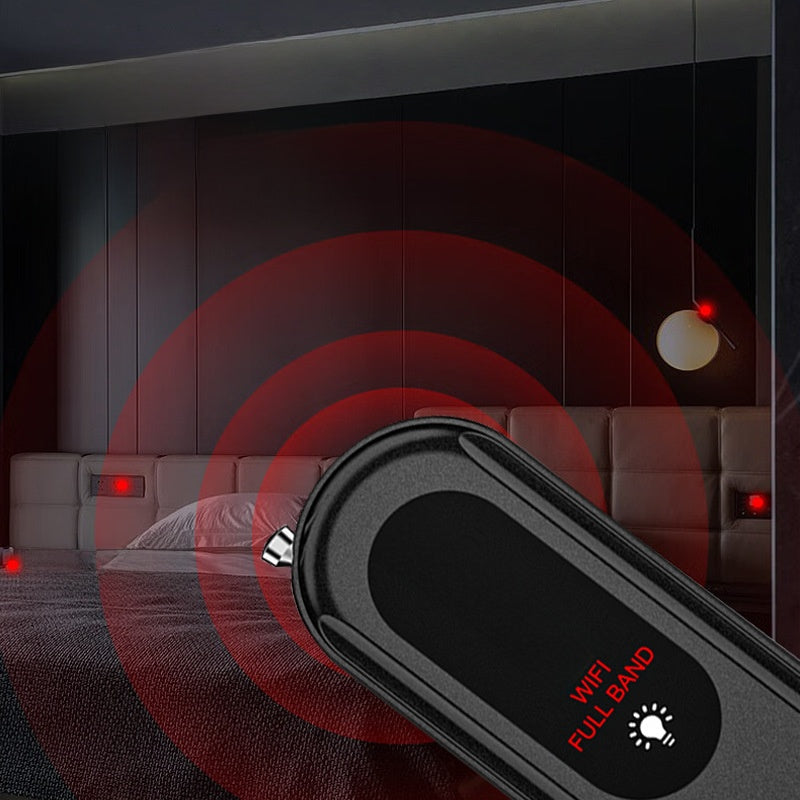
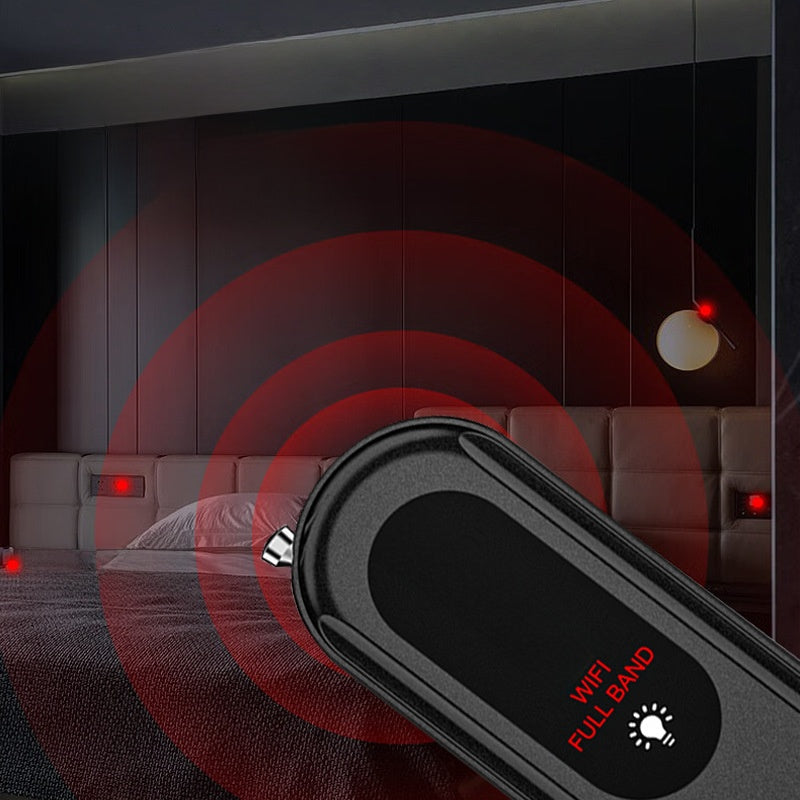
Signal scanPicks up transmitting devices from 100 MHz to 2.7 GHz, including live GPS trackers.
6 sensitivity levelsTurn it down as you get closer to pinpoint the exact spot.
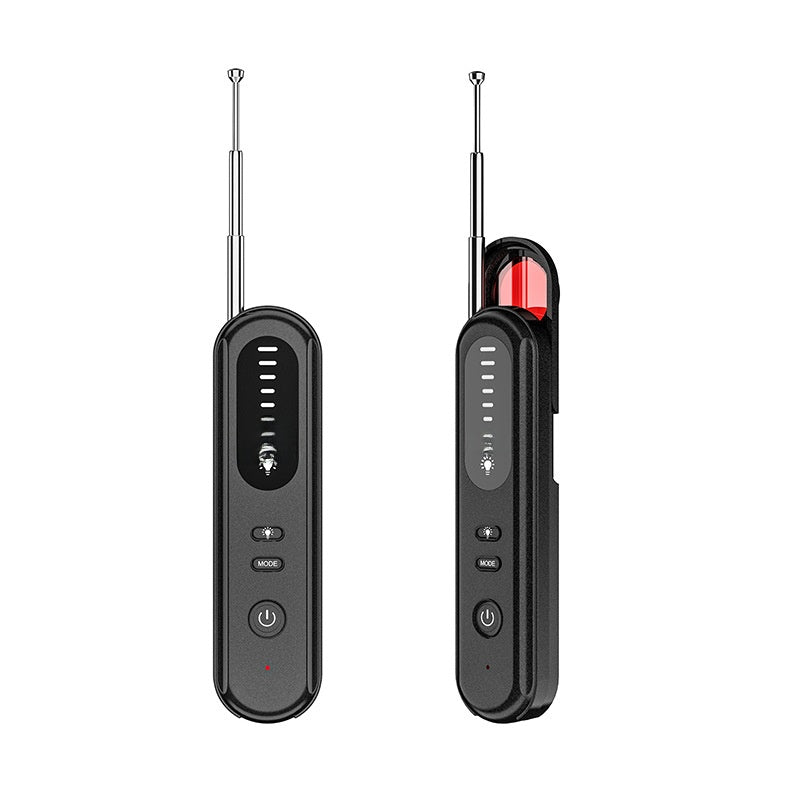
38 g, USB rechargeableSmaller than most phones. No batteries to buy.
How to check a room
  1. Unplug your own devices and turn off Wi‑Fi and Bluetooth on your phone.
  2. Sweep slowly with the signal scan: smoke detectors, clocks, outlets, vents, TVs and mirrors.
  3. Dim the lights and repeat with the lens finder.
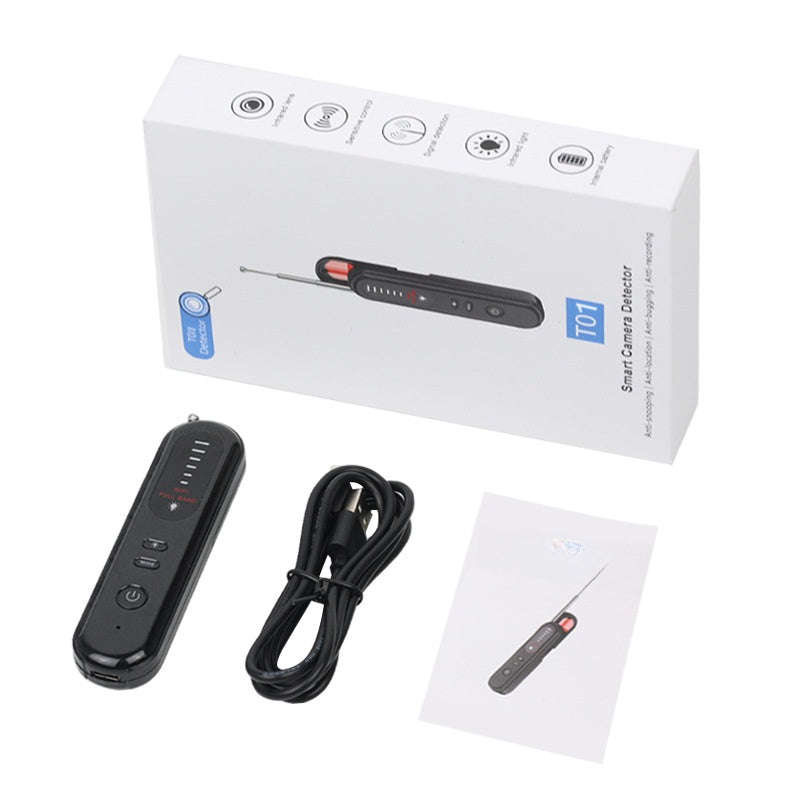
What's in the box
  • 1 × detector
  • 1 × USB charging cable
  • 1 × user guide
Full details & specs

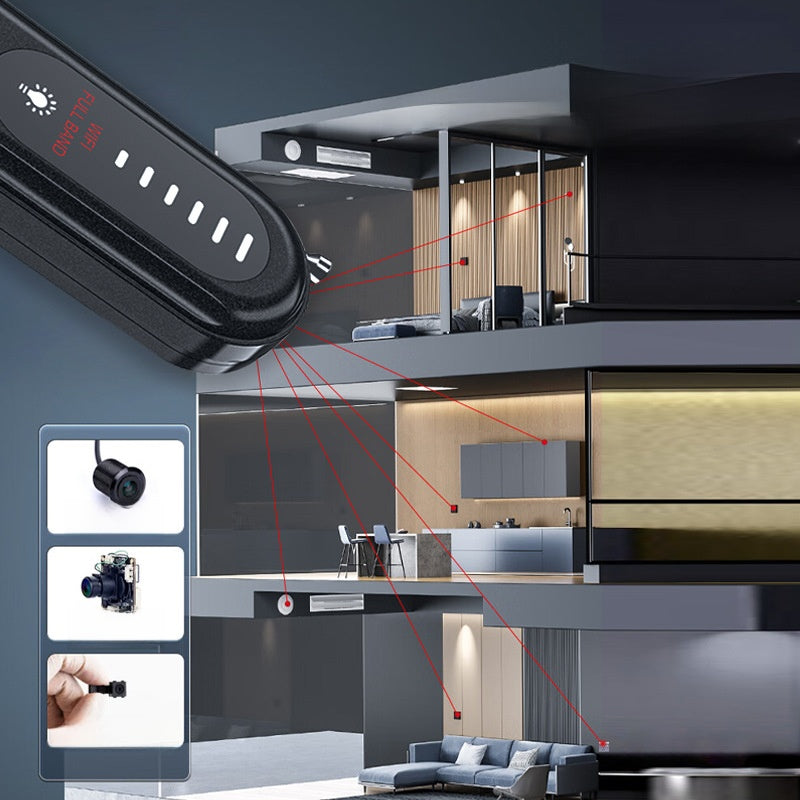
Check the room before you settle in. This pocket-size detector gives you two ways to sweep a hotel room, rental, changing room or car: an infrared lens finder for spotting camera lenses, and a signal scanner that picks up transmitting devices like wireless cameras, audio bugs and live GPS trackers.

Two ways to check

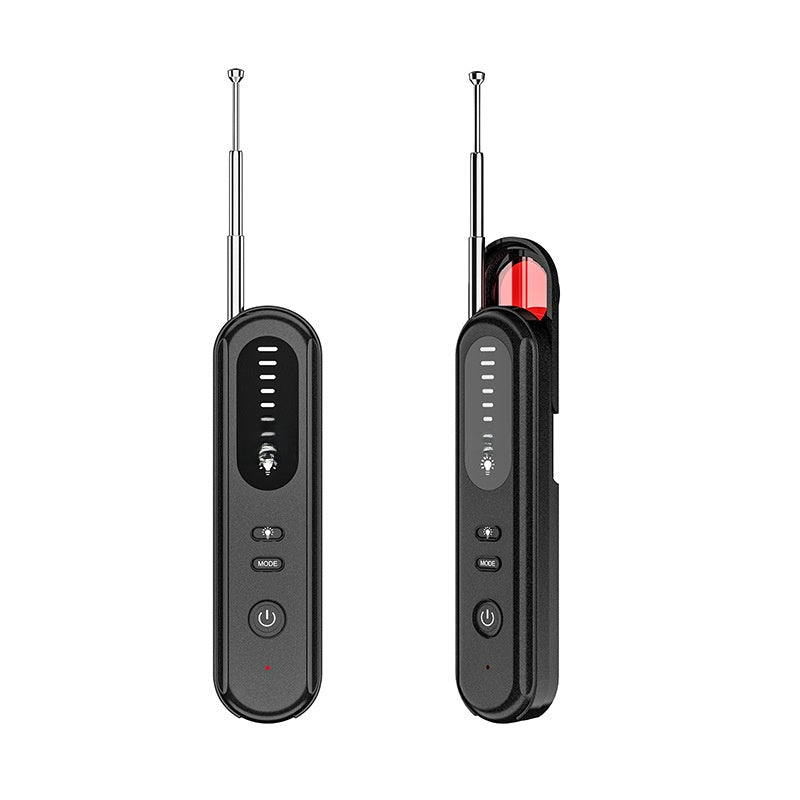
  • Lens finder: switch on the infrared LEDs and look through the red filter window. A camera lens reflects the light back as a sharp red point, so you can spot it even when it's hidden in a clock, charger or smoke detector.
  • Signal scan: extend the antenna and walk the room. The LED bar climbs and the alert speeds up as you get closer to an active transmitter (100 MHz – 2.7 GHz).
  • 6 sensitivity levels: turn it down as you get close to pinpoint the exact spot instead of guessing.

Your room check in 3 steps

  1. Unplug your own devices and turn off Wi-Fi on your phone so they don't trigger the scan.
  2. Sweep slowly with the signal scan: smoke detectors, clocks, outlets, vents, TVs, mirrors and anything facing the bed or shower.
  3. Dim the lights and repeat with the lens finder. Done.

Specs

  • Detection range: 100 MHz – 2.7 GHz (covers 2.4 GHz Wi-Fi, Bluetooth and cellular trackers)
  • Signal range: up to 10 m / 33 ft, depending on the device's strength
  • Weight: 38 g – smaller than most phones
  • Power: built-in rechargeable battery, 5 V USB charging

What's in the box

  • 1 × detector
  • 1 × USB charging cable
  • 1 × user guide

What it won't do

No detector can promise to find every device, and we won't pretend otherwise. Cameras that are switched off or only record to a memory card don't transmit, so they won't trigger the signal scan – that's exactly what the lens finder is for. Wi-Fi cameras on the 5 GHz band sit above the scan range, but the lens finder still shows their lens. Use both modes for the most thorough check.

Shipping & returns

  • Ships in 1–3 business days with tracking
  • Arrives 7–12 business days after you order
  • Free US shipping on orders over $70 (otherwise $8)
  • 30-day returns. Questions? Email support@getsweepguard.com
Travel kit

Check the room. Lock the door.

The detector plus the Door Stop Alarm: sweep the room when you arrive, then wedge the door at night. Ships free.

$84.98 $89.98 Save $5

Complete your kit

Travel covered,
from door to pocket.

Add them now: one checkout, one order.
Rechargeable Personal Safety Alarm with Strobe Light $19.99
Door Stop Alarm for Hotel & Home Doors $24.99
Faraday Bag - Signal Blocking Pouch for Phones & Car Key Fobs $17.99

How it works

Two ways to check.
One small device.

Some hidden cameras send a signal. Others just record to a memory card. That's why this detector looks for both.
Spot the lensFollow the signalCheck the car too
Spot the lens

Mode 01 · Lens finder

Spot the lens

Switch on the infrared LEDs and look through the red filter window. A camera lens reflects the light back as a sharp red point, even when the camera isn't sending any signal.
  • Finds lenses hidden in clocks, chargers and smoke detectors
  • Works best with the lights dimmed
  • No signal needed to spot it
Follow the signal

Mode 02 · Signal scan

Follow the signal

Extend the antenna and walk the room. The LED bar climbs and the alert speeds up as you get closer to an active transmitter between 100 MHz and 2.7 GHz.
  • Wireless cameras, audio bugs and live GPS trackers
  • 6 sensitivity levels to pinpoint the source
  • Turn off your own Wi‑Fi devices first for a clean read
Check the car too

Mode 03 · On the road

Check the car too

Live GPS trackers report their location over cellular signals. Sweep the bumpers, wheel wells, seats and OBD port of a rental car or your own.
  • Takes a couple of minutes
  • Use the highest sensitivity in open spaces

Your room check

Three steps.
A few minutes.

Do it once when you arrive, before you unpack. Then forget about it.
1

Quiet the room

Unplug your own chargers and turn off Wi‑Fi and Bluetooth on your phone so they don't set off the scan.
2

Sweep for signals

Walk slowly with the signal scan. Pause at smoke detectors, clocks, outlets, vents, TVs and anything facing the bed or shower.
3

Look for the lens

Dim the lights and check the same spots through the lens finder. A sharp red reflection is your cue to take a closer look.

FAQ

Straight answers.

Still not sure? Email us at support@getsweepguard.com and a real person will answer within one business day.
Will it find every hidden camera?
No device can promise that, and we won't either. Using both modes covers the two ways cameras get hidden: the signal scan finds devices that transmit, and the lens finder spots lenses even when they don't send any signal.
Do I need an app or Wi‑Fi?
No. It works on its own. Charge it by USB, switch it on and start scanning.
Will my own phone set it off?
It can. Any active transmitter will, including your phone, smartwatch or laptop. Turn off Wi‑Fi and Bluetooth on your devices, or leave them in another room, before you scan.
Can I check my car for a GPS tracker?
Yes. Live trackers send their location over cellular signals, which the signal scan picks up. Trackers that only store data and don't transmit won't show up on a signal scan, so do a quick visual check as well.
Can it find an AirTag?
AirTags and similar trackers use Bluetooth, which is inside the scan band. They only transmit in short bursts, so the scan may or may not catch one. Your phone helps too: iPhones and Android phones warn you when an unknown tracker has been moving with you.
How long does shipping take?
Orders ship within 1–3 business days with tracking and arrive 7–12 business days after you order. Shipping is free on US orders over $70; below that it's a flat $8.
Can I return it?
Yes, within 30 days of delivery. Email us first and we'll send you the return instructions. Return shipping is on you, unless it arrived damaged, defective or wrong: then we replace or refund it at no cost.
How do I charge it?
With the USB cable in the box, from any phone charger or laptop.